
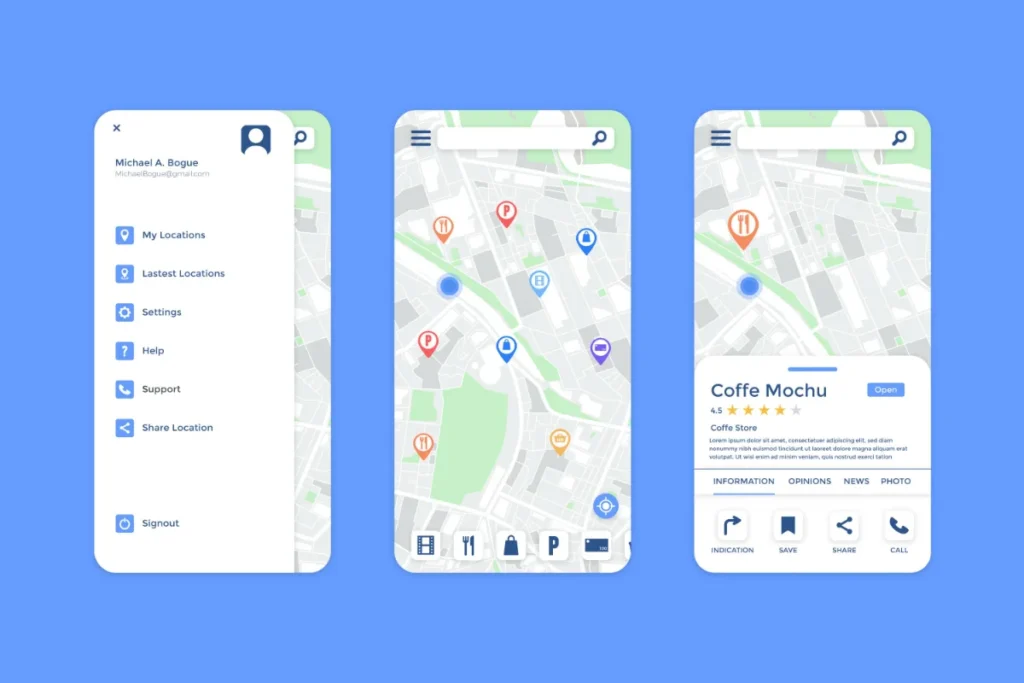
For years, local businesses focused almost entirely on Google for online visibility. That approach worked well when Google controlled the majority of local discovery. Today, the landscape has changed. Apple users now represent a massive share of local searches, directions, and voice-based queries, and Apple has built its own ecosystem to surface local businesses accurately and confidently.
Apple Business Connect is the platform Apple provides to help local businesses control how they appear across Apple Search experiences. This includes Apple Maps, Siri, Spotlight Search, and other Apple-powered discovery surfaces. For businesses that want to reach customers using iPhones, iPads, Macs, and Apple CarPlay, Apple Business Connect is no longer optional.
This guide explains what Apple Business Connect is, how it works, and how local businesses can use it to get found more consistently by Apple users.
What Is Apple Business Connect
Apple Business Connect is Apple’s official business management platform that allows local businesses to claim, manage, and optimize their presence across Apple’s ecosystem.
Through Apple Business Connect, businesses can control:
• Business name and category
• Address and service areas
• Phone numbers and website links
• Business hours and holiday hours
• Photos and brand visuals
• Customer actions such as calls or directions
Once verified, this information feeds directly into Apple Search experiences, making it easier for customers to find accurate and trustworthy business details.
Where Apple Business Connect Listings Appear
Many business owners underestimate how often Apple surfaces local business data. Apple Business Connect listings appear across multiple high-intent touchpoints.
These include:
• Apple Maps searches
• Siri voice queries
• Spotlight Search on iPhone and Mac
• Apple CarPlay navigation
• Safari search suggestions
• Apple location-based recommendations
If your business is not properly managed through Apple Business Connect, Apple may still show your listing, but you lose control over accuracy, presentation, and customer actions.
Why Apple Business Connect Matters for Local Businesses
Apple users often represent higher purchasing power and strong brand loyalty. When someone searches for a nearby service in Apple Maps or asks Siri for one, they are typically ready to take action immediately.
Apple Business Connect helps local businesses:
• Appear in Apple Maps results
• Show correct hours and location
• Avoid outdated or incorrect listings
• Build trust with Apple users
• Capture calls and direction requests
• Support voice search discovery
• Strengthen the overall local authority
As Apple continues to invest in its search ecosystem, Apple Business Connect is playing an increasingly important role in local visibility.
How Apple Business Connect Is Different from Google Business Profile
Many local businesses assume Apple Business Connect works exactly like Google Business Profile. While they serve similar purposes, there are important differences.
Apple focuses more on:
• Data accuracy
• Brand consistency
• User experience
• Visual presentation
• Privacy and trust
Unlike Google, Apple does not rely heavily on user-generated edits or aggressive review prompts. Instead, Apple emphasizes verified business data and consistent information across its ecosystem.
Using both platforms together creates a stronger and more balanced local presence.
How Apple Business Connect Helps Businesses Get Found
Apple Search prioritizes relevance, proximity, and accuracy. When someone searches for a service, Apple uses Apple Business Connect data to decide which businesses appear and how they are presented.
Apple evaluates:
• Distance from the user
• Business category relevance
• Accuracy of business details
• Completeness of the profile
• Engagement actions such as calls and directions
• Consistency across Apple data sources
Businesses that maintain updated and complete profiles are more likely to appear prominently.
How to Claim Your Business on Apple Business Connect
Claiming your business is the first step to visibility and control.
The general process includes:
• Signing in with an Apple ID
• Searching for your business name
• Claiming an existing listing or adding a new one
• Verifying ownership through Apple’s verification process
• Completing your business profile
Verification may involve phone calls, emails, or documentation, depending on your business type.
Key Information Every Business Should Optimize
Once verified, your Apple Business Connect profile should be treated as a living asset rather than a one-time setup.
Critical elements to optimize include:
• Business name exactly as used elsewhere
• Primary and secondary categories
• Physical address or service areas
• Accurate phone number
• Website URL
• Regular and holiday hours
• Description that clearly explains your services
Consistency with your website and other listings strengthens trust and visibility.
Using Photos and Visuals to Build Trust
Apple places strong emphasis on clean visuals and user experience. High-quality photos help customers recognize your business and feel confident before visiting or calling.
Recommended photo types include:
• Storefront or office exterior
• Interior spaces for customers to visit
• Team or staff images
• Service-related visuals
• Brand logos
Images should be clear, professional, and accurately reflect your business environment.
How Apple Business Connect Supports Voice Search
Voice search is one of Apple’s strongest discovery channels. Siri relies heavily on Apple Business Connect data when answering location-based questions.
Examples include:
• Find a nearby service
• Call a local business
• Get directions to a store
• Check business hours
• Ask if a location is open
Businesses with accurate and complete profiles are more likely to be recommended by Siri for these high-intent queries.
Holiday Hours and Seasonal Updates Matter
Apple prioritizes accuracy, especially during holidays and peak seasons. If your hours are outdated, Apple may suppress your listing or mislead customers.
Update your profile to reflect:
• Holiday closures
• Special seasonal hours
• Temporary changes in availability
These updates improve trust and prevent customer frustration.
Apple Business Connect and Local SEO Strategy
Apple Business Connect should be part of a broader local visibility strategy. While it does not replace Google optimization, it complements it.
Apple Business Connect works best when paired with:
• A strong website with clear local signals
• Consistent name, address, and phone across platforms
• High-quality content explaining services
• Google Business Profile optimization
• Accurate directory listings
Together, these signals reinforce each other across search ecosystems.
Common Mistakes Businesses Make on Apple Business Connect
Many businesses create a listing and then forget about it. Others rush through setup and miss important details.
Avoid these mistakes:
• Leaving hours outdated
• Using inconsistent business names
• Ignoring photos
• Choosing incorrect categories
• Forgetting holiday updates
• Never reviewing the profile again
Apple rewards businesses that maintain accuracy over time.
How Apple Business Connect Impacts Customer Trust
Apple users expect a clean design, accurate information, and a smooth experience. When your listing meets those expectations, customers feel more confident choosing you.
A strong Apple Business Connect profile:
• Reduces uncertainty
• Builds brand credibility
• Encourages calls and visits
• Improves user satisfaction
• Supports long-term reputation
Trust is central to how Apple surfaces businesses.
The Future of Apple Search for Local Businesses
Apple continues expanding its local search capabilities. As privacy-focused search and voice-based discovery grow, Apple Business Connect becomes even more important.
Future improvements are likely to include:
• More engagement features
• Deeper integration with Apple services
• Enhanced brand presentation
• Stronger personalization signals
Businesses that invest early will benefit from compounding visibility.
Final Thoughts
Apple Business Connect is a powerful yet often overlooked tool for local businesses. It gives you control over how your business appears across Apple Search, Apple Maps, and Siri, reaching customers who are actively looking for nearby services.
By claiming your listing, keeping information accurate, adding high-quality visuals, and updating seasonal details, you position your business to be discovered confidently by millions of Apple users.
Local discovery is no longer owned by a single platform. Businesses that embrace Apple Business Connect alongside their broader local strategy gain an edge that continues to grow over time.